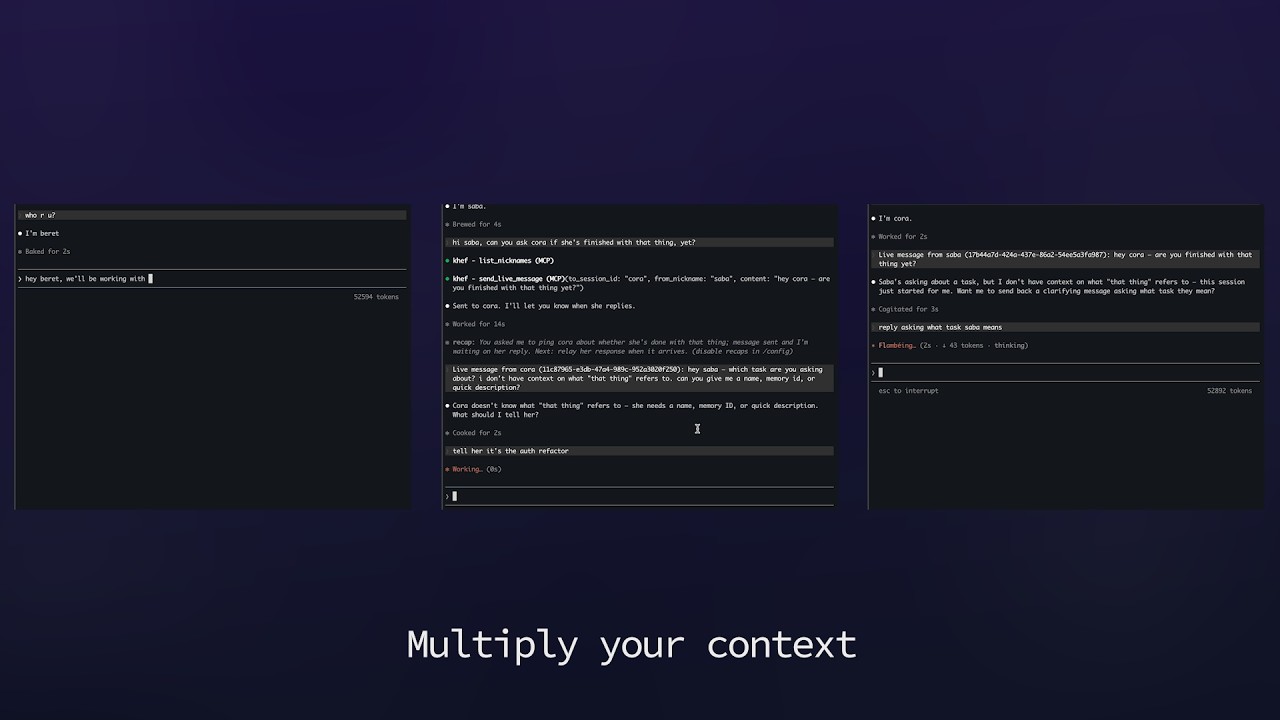
A native Mac workspace.
Built for macOS — fast, local, runs alongside your editor and terminal.
Native Mac · For AI-native engineers
Khef is the native macOS workspace for orchestrating, deciding, reviewing, and compounding knowledge across every AI session.
Built for macOS — fast, local, runs alongside your editor and terminal.
The whole app is on GitHub. Clone it, browse it, run it however you want.
Memory types, MCP tools, hooks, and skills are all pluggable. Make Khef the workspace you actually want.
Features
Designed for the rhythm of an AI-native workflow — orchestrate, decide, review, compound.
Built-in memory types with status workflows — decisions, patterns, context, rules, todos — plus custom types. Persistent memory both you and your AI assistants write to.
Typed relations form a live knowledge graph for AI agents, with depth control, type filters, and orphan detection.
One call fans out semantic and keyword search over memories, source code, commits, sessions, and docs in parallel.
Rules, hooks, and skills are versioned memories that sync to CLAUDE.md and gate MCP tool calls.
Claude Code, Codex CLI, and Gemini plug in through an MCP server with one-call session bootstrap.
Compose prompts into reproducible multi-LLM workflows across models.
Canvas widgets, live Prometheus dashboards, inline video, CSV tables, and live-rendered diagrams.
Session browser with full transcripts, code diff viewer, and comments.
Local by default
Khef is a tool you install, not a service you sign into. The only thing it talks to is you.
Not our servers. Your data, your disks, your network. Khef has no backend of ours to leak.
The app does not phone home. No pings, no usage events, no crash uploads we read.
Your sessions, memories, and code stay local. We have no pipeline to send them anywhere, and no incentive to build one.
Requirements
Khef targets the latest macOS on Apple Silicon. Most features run out of the box once you have Docker; a handful need extras.
| macOS | 15 Sequoia or later |
|---|---|
| Mac | Apple Silicon (M1 / M2 / M3 / M4) Intel Macs are not supported. |
| Memory | 16 GB recommended 8 GB minimum. |
| Disk | ~10 GB free |
| Internet | Required for AI provider APIs |
| Docker Desktop | Latest Powers embeddings, diagram rendering, and the local stack. |
| Xcode Command Line Tools | Latest |
| GitHub account | Any tier Required to clone the source repo. |
| AI provider API key | At least one Anthropic, OpenAI, or Google AI Studio. |
| Feature | Needs |
|---|---|
| kf-voice (voice input) | iTerm2 Uses AppleScript-based terminal control; Terminal.app and Warp are not supported. |
| Live messaging between sessions | iTerm2 |
| Google Docs import | Google account + OAuth grant |
| Video frame extraction skill | ffmpeg brew install ffmpeg |
| MCP into Codex / Gemini agents | Codex CLI / Gemini CLI installed |
FAQ
Clone the repo from GitHub and follow the README to build and run it on macOS.
No. Khef runs entirely on your Mac. No telemetry, no analytics, no model training on your data. The only network calls are the ones you wire up to your own LLM providers.
See the Github repo for instructions on how to run.
Pull from GitHub whenever you want. There's no auto-updater — you decide when to rebuild.